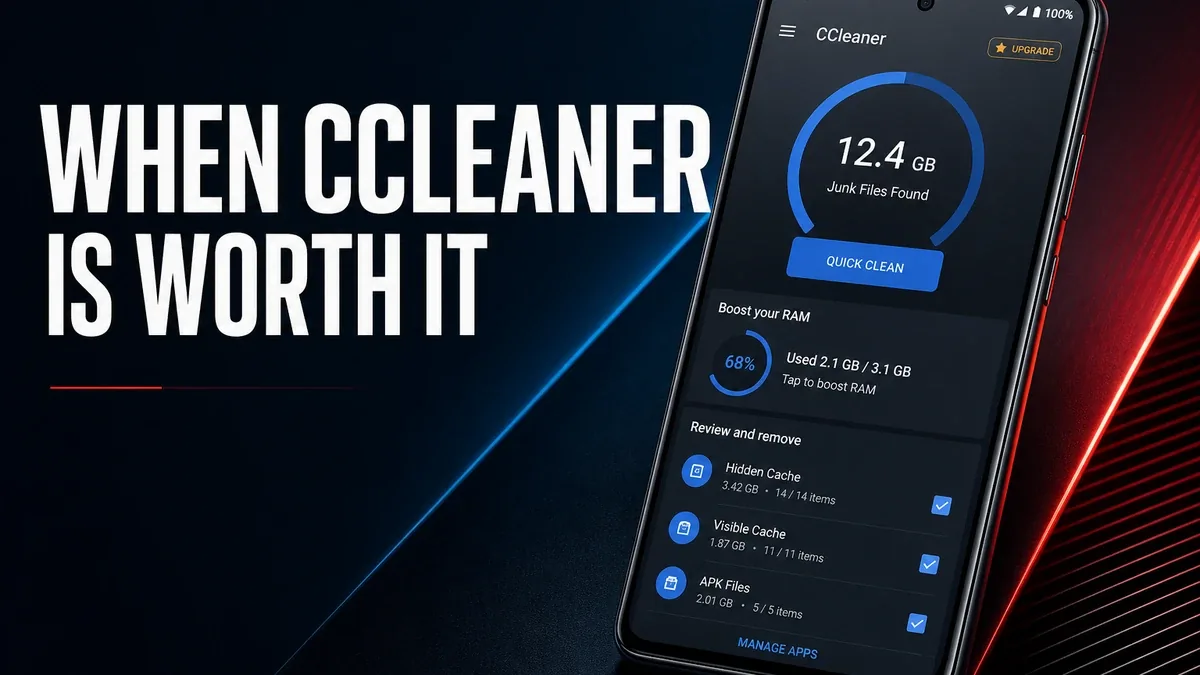
Cleaner apps feel useful the moment a phone feels full or sluggish. They feel less useful when the real problem was never junk cache, but files, apps, and habits that no one-tap clean can actually fix.
Download CCleaner MOD APK - Pro Unlocked, No Ads
CCleaner · Phone Cleaner · Storage Tools · Android Maintenance · 2026
The Real Decision Is Not Whether Cleaning Feels Productive
Android cleaner apps often win on sensation. A big number appears, junk is deleted, and the phone feels briefly lighter. That can be valuable when leftover cache and residual files are genuinely crowding storage. It becomes the wrong ritual when users clean repeatedly while the same oversized folders, unused apps, and messy downloads keep returning.
The core thesis of this article is simple: CCleaner is worth using when your phone needs safe reclaim of junk and clearer storage visibility, but it is the wrong answer when the real problem is organization, unused apps, or file workflow rather than temporary clutter. The best cleaner is not the one that reports the biggest cleanup number. It is the one used only when junk is actually the bottleneck.
Why Cleaning and Organizing Are Different Jobs
Cleaning removes residue: caches, leftovers, low-value temporary files. Organizing changes the system that creates residue: which apps stay installed, where downloads go, which photo duplicates survive, and how media is stored.
Users often confuse the two because both can free space. But only one of them changes the underlying cause. If your storage fills up again every week with the same downloads, screenshots, and abandoned apps, another cleaning pass is maintenance theater.
This is why CCleaner can be helpful and still incomplete. It is stronger as a reclaim-and-visibility tool than as a substitute for file management.
What CCleaner Actually Does Better
CCleaner MOD APK makes more sense when you need a practical way to see what is consuming space and remove junk that is safe to delete without rebuilding your whole file system.
What you gain: faster reclaim of leftover clutter, clearer storage breakdown, and a lower-friction maintenance pass when junk is genuinely the issue.
What you lose: deeper workflow control. A cleaner will not teach a messy download habit how to stay clean, and it will not replace a real file manager when folders need restructuring.
CCleaner is strongest as periodic maintenance. It is weaker when users treat cleaning as proof that the phone problem has been solved.
Best For, Not Ideal For
Best for: users who periodically need to reclaim cache and residual clutter, want a clearer storage overview, and do not want to manually hunt every leftover folder.
Not ideal for: users whose real friction is chaotic downloads, duplicate media, or too many unused apps that need deliberate sorting rather than another clean button.
Common mistake: installing a cleaner because the phone feels slow, then never checking whether oversized files and abandoned apps are the actual cause.
Biggest cost: false certainty. A successful cleanup can hide the fact that the phone's storage habits never changed.
Before You Choose CCleaner
Before choosing CCleaner, ask whether your storage problem is temporary junk or permanent clutter. Temporary junk is a cleaner problem. Permanent clutter is a file-management and habit problem.
Our Honest Recommendation
Use CCleaner when junk and storage visibility are the real bottlenecks. Skip the cleaning ritual when the phone keeps filling up because files and apps were never organized in the first place.
In short: CCleaner is better for reclaiming junk than for curing clutter habits.
How to Download CCleaner MOD APK
Since the modded version is not available on the Google Play Store, you need to install it manually. Follow these steps:
- Enable Unknown Sources: Open Android settings, go to "Security" or "Apps," and enable "Install from Unknown Sources."
- Download the APK: Use the app page link to get the latest CCleaner MOD APK version.
- Remove Conflicting Versions: Uninstall the official build first if installation fails due to signature conflict.
- Install the APK: Tap the downloaded file and complete installation.
- Judge It by Recurrence: After cleaning, watch whether space stays freer, or whether the same clutter returns within days.
A cleaner is only working if space stays usable after the cleanup, not if the same junk cycle restarts every week.
FAQ
Is a phone cleaner worth installing on Android?
Yes, when leftover cache and residual files are genuinely crowding storage. It is less useful when the real problem is unused apps, messy downloads, or poor file habits.
Who should use CCleaner?
Users who need periodic junk reclaim and clearer storage visibility without manually hunting every leftover folder.
When is CCleaner the wrong choice?
When your phone keeps filling up because of permanent clutter that needs organization, not another one-tap cleanup.
What is the biggest trade-off with cleaner apps?
They can free space quickly, but they can also create false certainty that the storage problem has been solved.
If your phone needs a real junk reclaim pass rather than another fake productivity ritual, CCleaner is one of the clearer Android maintenance options.





