This is a dialog window

Why Does Trebel Only Play 30 Seconds? (Fix Guide 2026)

May 7, 2026
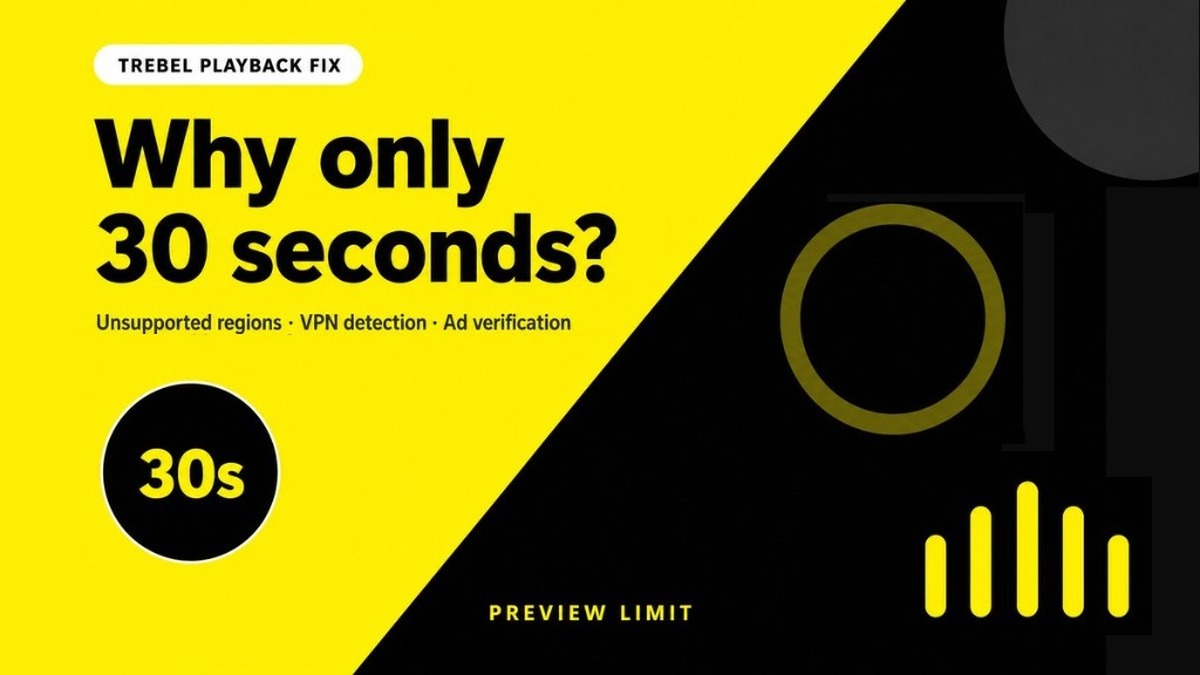
Trebel 30-second playback fix guide — yellow and black brand hero banner

Start with the latest Trebel APK, then use the checks below to fix 30-second preview playback

Open Trebel - App Page & Download

Music category · Version notes and download in one place

If Trebel only plays 30 seconds, the problem is usually caused by unsupported regions, VPN detection, or unstable network verification. Trebel relies on region availability, network checks, and ad-supported playback logic, so anything that blocks verification can make full songs fall back to short previews.

This guide walks through the most common causes on Android: country support, free VPN problems, DNS leaks, blocked proxy IPs, weak connections, failed ad verification, AdGuard, Private DNS, and firewall apps.

Quick checklist before you troubleshoot

  • Test Trebel on stable WiFi first, not weak mobile data.
  • Turn off VPN, proxy apps, AdGuard, Private DNS, and firewall rules temporarily.
  • Try several songs to confirm whether one track is preview-only or the whole app is limited.
  • Open the Trebel app page and make sure your APK is up to date.

Why Does Trebel Stop After 30 Seconds?

A 30-second Trebel playback limit usually means the app is not treating the song as fully available for your current session. It may be playing a preview instead of the full track.

  • Unsupported country: the song or service may not be fully available in your region.
  • VPN or proxy detected: Trebel may reject suspicious VPN, datacenter, or abused proxy IPs.
  • Unstable verification: weak WiFi, mobile data drops, or captive portals can interrupt playback checks.
  • Ad verification failed: Trebel's free playback can depend on ad-supported checks completing correctly.
  • Ad blocking or firewall rules: AdGuard, Private DNS, firewall apps, or tracker blockers may block required requests.
  • Incomplete download: offline playback can fail if the song was not fully downloaded before the connection changed.

If every song stops at about 30 seconds, focus on region, VPN, DNS, ad blocking, and network checks. If only one song stops, it may be a track-level licensing or availability issue.

How to Fix Trebel 30-Second Playback Limit

1. Turn off VPN and test again

Free VPNs often use overloaded or flagged IP addresses. Disable the VPN completely, force close Trebel, reopen it, and test the same song again.

2. Disable ad blockers and Private DNS

Temporarily turn off AdGuard, ad-blocking DNS, Private DNS, firewall apps, and tracker blocking. Trebel may need ad or verification requests to complete before full playback works.

3. Reconnect on stable WiFi

Use a reliable WiFi network, avoid public captive portals, and do not switch between WiFi and mobile data while Trebel is checking or downloading songs.

4. Clear failed downloads and re-download

Delete the song or playlist that only plays 30 seconds, clear Trebel cache if needed, then download again on stable WiFi. Wait until the download fully completes before going offline.

5. Update or reinstall Trebel APK

If the issue persists across many songs, update from the Trebel APK page. A clean reinstall can also fix corrupted cache, old verification data, or broken downloads.

Does Trebel Require a Supported Country?

Yes, region support matters. Trebel availability depends on music licensing, app availability, and network verification. If your country is unsupported, full songs may fall back to preview playback or fail to download completely.

Trebel is mainly supported in these countries:

  • United States
  • Mexico
  • Canada
  • Indonesia

If your IP address, SIM country, Google account region, or VPN location does not match a supported market, Trebel may have trouble verifying full playback. In that case, the 30-second limit may be a region or licensing fallback rather than a normal app bug.

VPN and IP Detection Problems

A VPN can help only when it gives Trebel a clean, stable connection from a supported country. Low-quality VPNs often do the opposite.

VPN issue What happens What to try
Free VPN instability IP changes, slow routes, and dropped sessions interrupt verification. Turn VPN off first; if needed, use a stable paid node in a supported country.
DNS leak Your DNS may reveal a different real country than your VPN IP. Use one VPN app with built-in DNS protection; avoid mixing VPN and custom DNS.
Blocked proxy IP Datacenter or abused IPs may be flagged by verification systems. Switch to another high-quality node or test without proxy/VPN.
Poor node quality High latency can make ad or licensing checks time out. Pick a nearby supported-country node with low latency.

If Trebel works without a VPN but stops at 30 seconds with VPN enabled, the VPN node is the most likely cause.

Network and Ad Verification Problems

Trebel's free playback can depend on network and ad verification. If those checks fail, songs may play only as short previews.

  • Unstable network: weak WiFi or mobile data can break the session check.
  • Public WiFi: captive portals, school networks, or office filters may block app requests.
  • Ad verification failed: the app may not confirm ad-supported playback if ad servers are unreachable.
  • Background data blocked: battery saver or data saver can stop Trebel from completing checks.

The fastest test is simple: connect to stable home WiFi, disable VPN and ad blockers, restart Trebel, and play several songs before downloading them for offline use.

AdGuard, Private DNS and Firewall Issues

Ad blocking is a common hidden reason for 30-second Trebel playback. The app may need ad or verification endpoints to load before full songs become available.

  • AdGuard: pause filtering for Trebel or disable AdGuard while testing playback.
  • Private DNS: turn off ad-blocking DNS providers such as private DNS filters, then retry.
  • Firewall apps: allow Trebel background network access, not just foreground playback.
  • Tracker blocking: strict tracker rules can block SDK requests that the app expects.

Tip: Disable one blocker at a time. If Trebel starts playing full songs after you disable a specific tool, add Trebel to that tool's allowlist instead of leaving your whole phone unprotected.

FAQ: Trebel 30-Second Playback

Why does Trebel only play 30 seconds?

Usually because Trebel cannot complete region, network, ad, or licensing verification. Unsupported countries, VPN detection, DNS leaks, weak connections, AdGuard, Private DNS, and firewall apps are common causes.

Can VPN fix Trebel 30-second playback?

Only sometimes. A stable VPN node in a supported country may help with region checks, but free VPNs, blocked proxy IPs, DNS leaks, and poor node quality often make the problem worse.

Which countries does Trebel mainly support?

Trebel is mainly available for users in the United States, Mexico, Canada, and Indonesia. Availability can still vary by catalog licensing and app verification.

Does AdGuard or Private DNS break Trebel playback?

Yes, it can. If AdGuard, Private DNS, firewall apps, or tracker blocking stop ad verification or required network calls, Trebel may fall back to preview-only playback.

Why does Trebel work on WiFi but not mobile data?

Mobile data may be weaker, filtered by carrier settings, blocked by data saver, or routed through a different region. Test on stable WiFi first, then compare with mobile data after disabling VPN and DNS filters.

Related on MODDROID

Get Trebel for Android (Music)

Get Latest Trebel on MODDROID

🔥 Looking for more mod APKs? Browse the most popular downloads in 2026. View Popular →
56.5K Shares
twitter facebook tumblr reddit quora medium
